

A cleaner Mac, with nothing hidden.
Mac Sai clears junk, removes apps completely, checks for malware and shows what is filling your disk. It is free and open source, notarized by Apple, and it never tracks you.
Or install with Homebrew
brew install --cask mac-sai 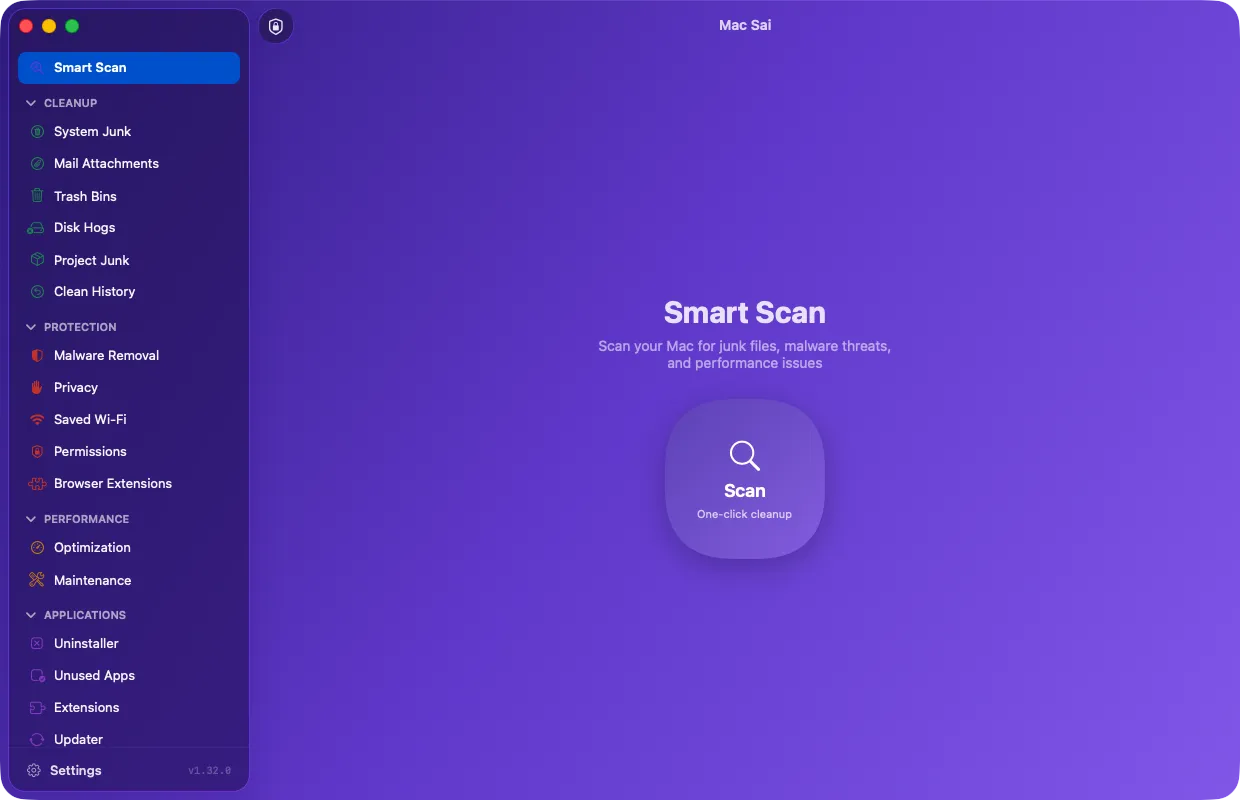
- 140,512 downloads
- 2,167 stars on GitHub
- 13 languages
- 0 trackers
See Mac Sai in 44 seconds
A short tour of the tools, with real screens from the app.
Built to be trusted with your files
A cleaner needs deep access to your Mac. So Mac Sai keeps nothing from you: the code, the network activity and every file it removes are yours to check.
- Free, with nothing held back
- No subscription, no in-app purchases, no Pro version and no nagging. Every tool is in the free app, under the BSD 3-Clause license.
- Nothing about you leaves your Mac
- No analytics, no crash reporter and no tracking code. The only network requests are update checks you can turn off and downloads you start yourself.
- Careful by design
- Removed items go to the Trash first, system locations are on a protected list, and anything that needs a judgment call is left for you to pick.
- Signed, notarized, open
- Every release is signed with an Apple Developer ID and checked by Apple before it ships. Every line of code is public on GitHub.
22 tools in one window
Mac Sai groups its tools the way you think about your Mac. Start with Smart Scan, or go straight to the one you need.
Cleanup
- Smart Scan One click runs cleanup, protection and performance checks together, then shows what each one freed.
- System Junk Caches, logs, unused language files, broken preferences, old iOS backups and more, in 16+ categories.
- Mail Attachments Finds cached attachments from Apple Mail, Outlook and Spark.
- Trash Bins Empties the Trash everywhere, external drives included.
- Project Junk Finds node_modules, target, build, virtualenvs and other folders your projects can rebuild.
- Disk Hogs Shows what Docker and Xcode simulators take, and prunes what is safe to prune.
- Clean History Lists your recent cleans and puts a whole clean back from the Trash in one click.
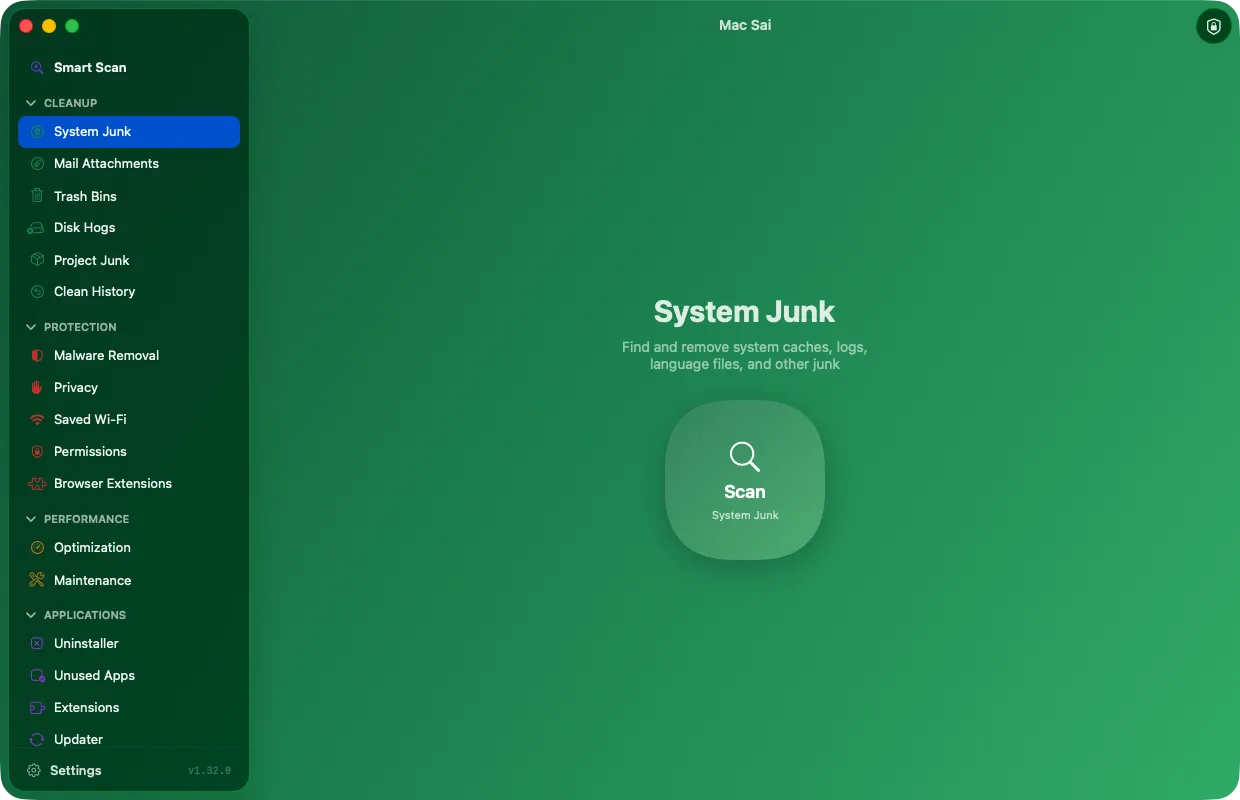
Protection
- Malware Removal Checks launch agents, apps and extensions against Apple XProtect signatures, offline.
- Privacy Clears Safari, Chrome and Firefox history, cookies and cache. Bookmarks are never touched.
- Browser Extensions Lists extensions across Safari, Chrome, Brave, Edge, Arc and Firefox, and removes the ones you pick.
- Saved Wi-Fi Lists the networks your Mac remembers and forgets the ones you choose.
- App Permissions Shows, app by app, which camera, microphone, files and other permissions each one holds.
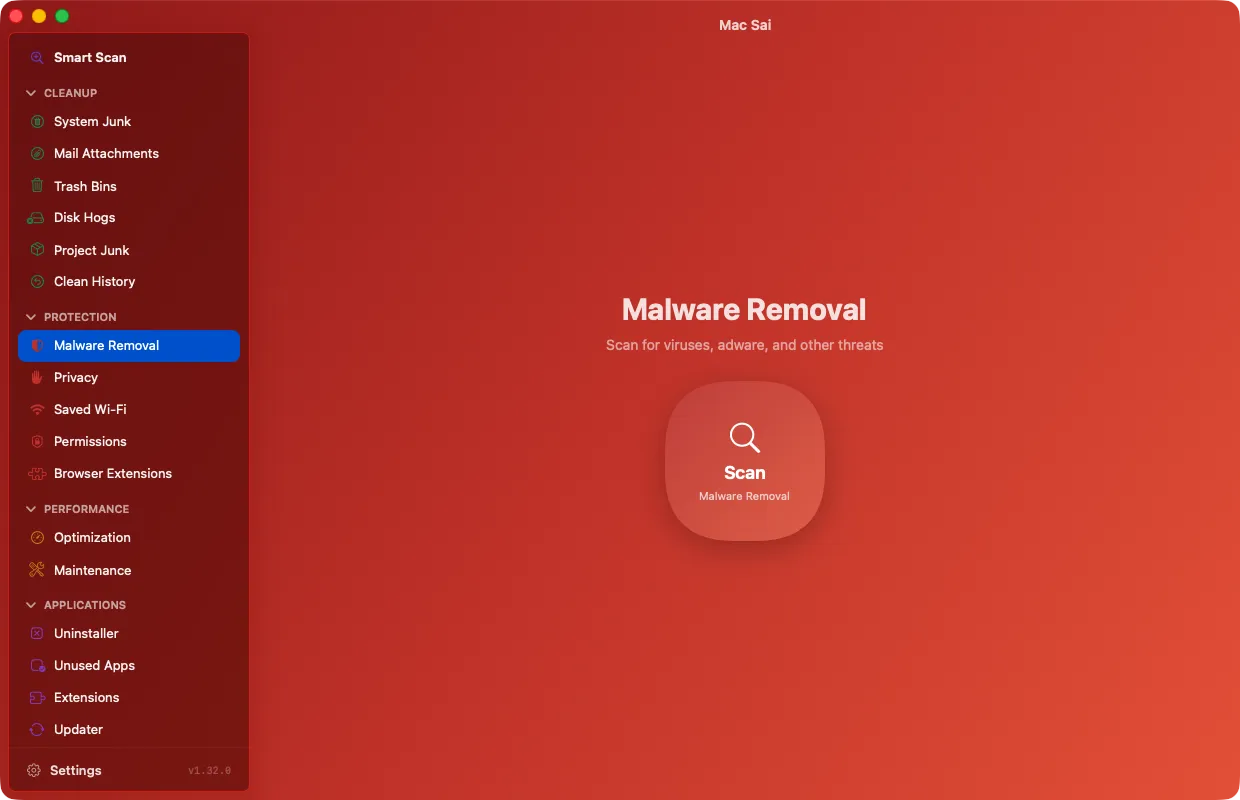
Performance
- Optimization Turns login items and launch agents on or off, one by one.
- Maintenance Frees RAM, flushes DNS, reindexes Spotlight, verifies the startup disk and more, asking for your password once.
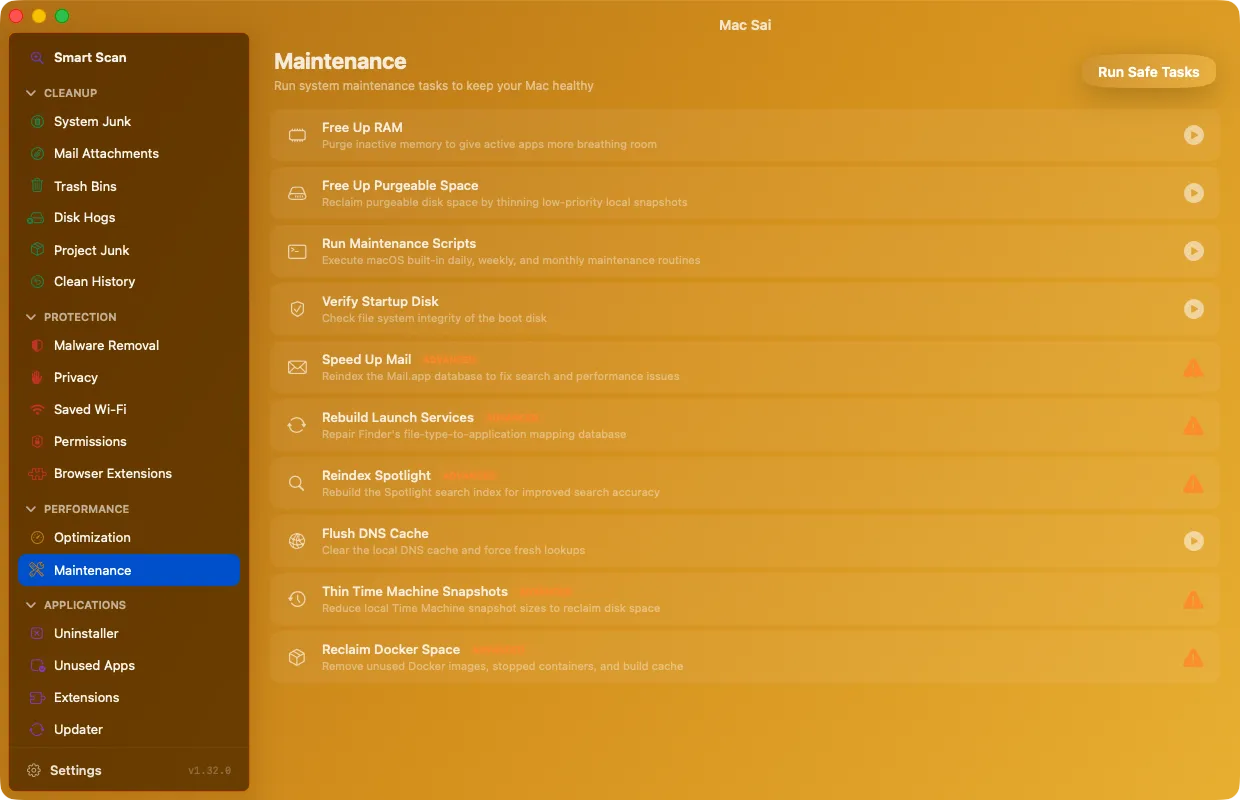
Applications
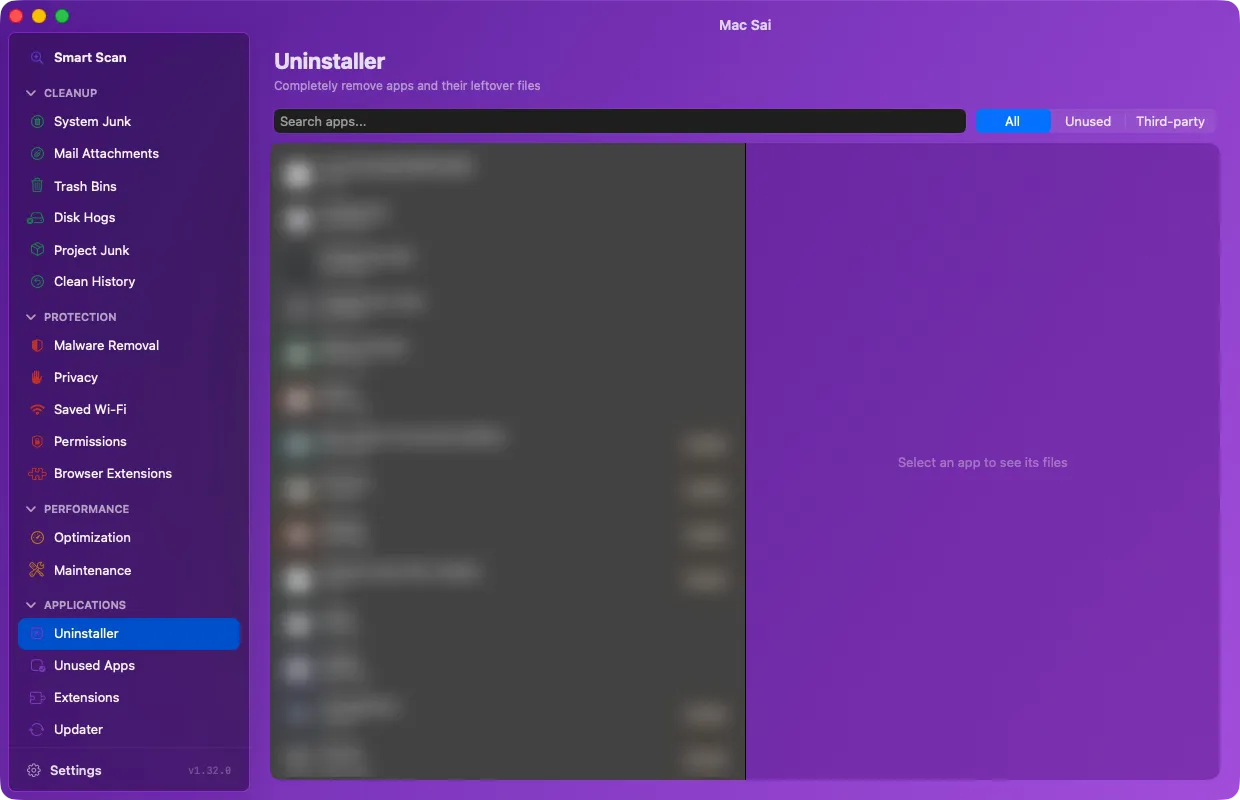
- Uninstaller Removes an app with every file it left across 17+ Library folders, or resets it to defaults.
- Unused Apps Finds apps you have not opened in 3, 6 or 12 months, largest first.
- Extensions Reviews preference panes, internet plug-ins and Safari extensions.
- Updater Checks your other apps for updates through their own update feeds, sending nothing about you.
Files
- Space Lens A map of your disk you can click into, so the biggest folders stand out at once.
- Large & Old Files Finds files over 50 MB, sorted by size and by when you last opened them.
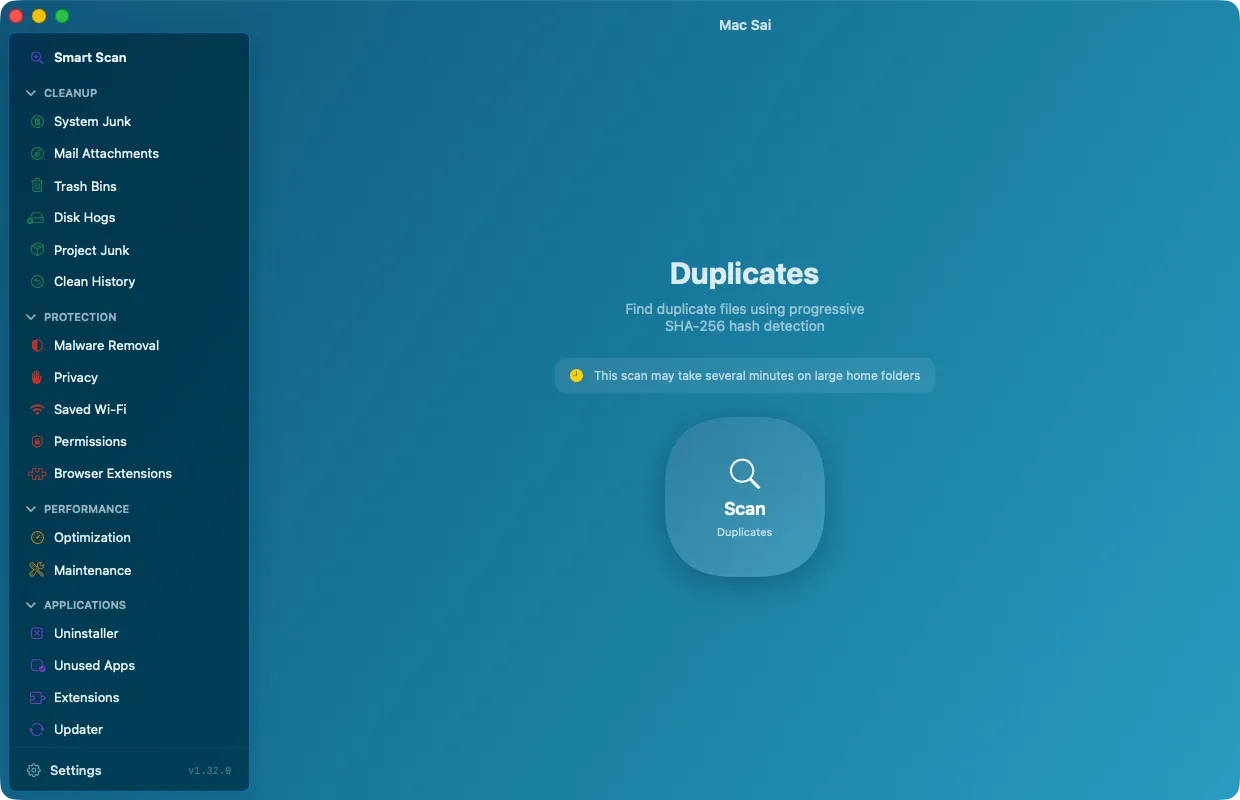
- Duplicates Finds identical files, and can reclaim their space with APFS clones without deleting a copy.
- Shredder Erases files you want gone for good.
Made for people who build things, too
Build folders, package caches, simulators and Docker images quietly fill developer Macs. Mac Sai finds them across your projects and only lists what your tools can rebuild.
Developer cleanup in detail- node_modules, Rust and Maven target, Gradle build, Python virtualenvs
- Xcode DerivedData, archives, device support and old simulators
- Docker images, stopped containers and build cache
- npm, pnpm, pip, uv, Cargo, Gradle and Homebrew caches

Don’t take our word for it
Run this in Terminal while Mac Sai is open. It lists every network connection held by the app you installed. Unless an update check or a malware database download is running, the list is empty.
Update checks and the optional malware database download are the only times Mac Sai goes online, and both are documented.
Everything Mac Sai sends, and how to check it(
MACSAI_APP=$(cd "/Applications/Mac Sai.app" && pwd -P) || exit 1
MACSAI_PIDS=$(ps -ww -axo pid=,comm= | awk -v bundle="$MACSAI_APP/" '
{ pid=$1; sub(/^[[:space:]]*[0-9]+[[:space:]]+/, "")
if (index($0, bundle) == 1) print pid }' | paste -sd, -)
if [ -n "$MACSAI_PIDS" ]; then
ps -p "$MACSAI_PIDS" -o pid=,comm=
lsof -nP -a -p "$MACSAI_PIDS" -i
else
echo "No running executables from this Mac Sai bundle"
fi
)Mac Sai and CleanMyMac
Both clean junk, remove apps, scan for malware and keep your Mac in shape. The difference is in what you pay and what you can see.
| Feature | Mac Sai | CleanMyMac |
|---|---|---|
| Price | Free | Paid |
| Source code | Open, BSD 3-Clause | Closed |
| In-app analytics | None, and you can verify it | Can’t be checked without the source |
| Cleanup, uninstaller, malware, privacy, maintenance | Yes | Yes |
| Support | Community on GitHub | Paid support from MacPaw |
Compared in November 2026 from public information. CleanMyMac is a polished product with paid support, and if that is what you want, it is worth paying for. The full comparison
Mac Sai in numbers
Counted from GitHub and Homebrew. The site refreshes these numbers every hour.
140,512 Downloads from GitHub
- Homebrew installs in the last 12 months
- 4,523
- Homebrew rank by installs in the last 30 days, out of 14,262 apps
- #250
- Stars on GitHub
- 2,167
- +305 in the last 30 days
- People who contributed code
- 15
Show the numbers
| Date | Stars on GitHub |
|---|---|
| May 31, 2026 | 71 |
| Jun 30, 2026 | 853 |
| Jul 31, 2026 | 1,311 |
| Aug 31, 2026 | 1,460 |
| Sep 30, 2026 | 1,645 |
| Oct 31, 2026 | 2,038 |
| Nov 16, 2026 | 2,167 |
Questions people ask
Is Mac Sai really free?
Yes. There is no subscription, no trial, no in-app purchase and no paid version. Mac Sai is open source under the BSD 3-Clause license and is supported by people who choose to chip in.
Is Mac Sai safe to use?
Mac Sai is signed with an Apple Developer ID and notarized by Apple, and its code is public. Removed items go to the Trash first, system locations are protected, and items that need a judgment call are never selected for you.
Does Mac Sai collect any data?
No. It has no analytics, crash reporter or tracking code. It goes online only to check for its own updates (once a day, and you can turn this off), when you check your other apps for updates, and if you choose to download the MalwareBazaar malware list.
Which Macs does it run on?
Any Mac with macOS 14 Sonoma or later, on Apple silicon or Intel.
Why does Mac Sai ask for Full Disk Access?
macOS protects folders like Mail and browser data. Mail Attachments, Privacy and Malware Removal need Full Disk Access to look inside them. Everything else works without it, and you can grant it later in System Settings.
How do I uninstall Mac Sai?
If you installed with Homebrew, run brew uninstall --zap --cask mac-sai. Otherwise run the uninstall script from the README, which removes the app and its preferences, caches and logs.

Give your Mac a fresh start
Free, signed and notarized by Apple. It opens like any other app, with no warnings and nothing to configure.
brew install --cask mac-sai