
Check your Mac for known malware and adware

Mac Sai looks where Mac malware hides: launch agents and daemons, app bundles and browser extensions. It matches files against the XProtect signatures Apple already keeps on your Mac, offline.

Download Mac Sai, free Version 1.32.0, 19 MB. macOS 14 or later.
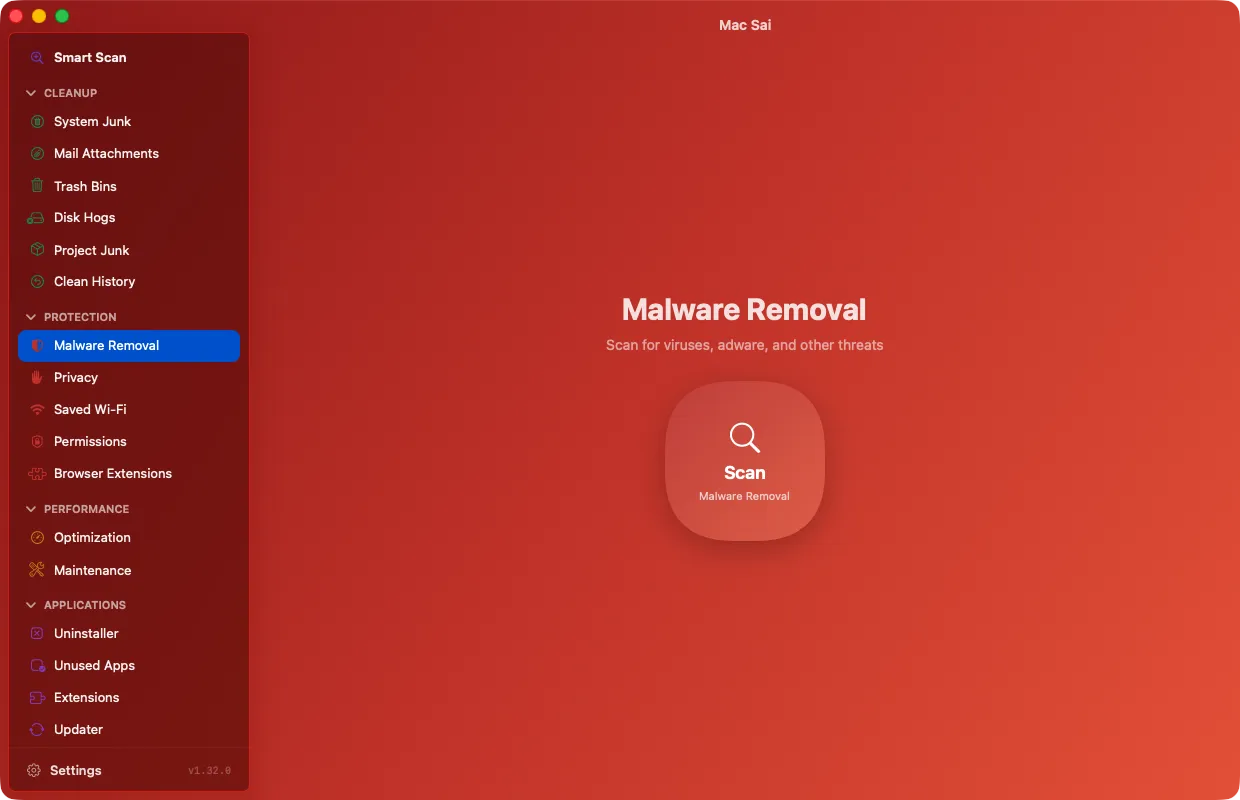
Mac Sai Malware Removal, ready to scan for viruses, adware and other threats

Three depths, one honest promise

Choose Quick, Balanced or Deep. Every scan checks launch agents and daemons, app bundles, browser extensions and known adware patterns.

Mac Sai is not an antivirus and says so. It finds known threats by exact match, and it never guesses.

Apple XProtect signatures, offline

Mac Sai matches file hashes against the XProtect signatures that macOS already keeps up to date on your Mac, so the core scan needs no network at all.

For a wider list, add your own free abuse.ch Auth-Key in Settings and download the MalwareBazaar hash feed. Mac Sai sends only your key and the query, never file hashes or paths. When a downloaded hash matches a signed file, macOS asks Apple whether its signing certificate was revoked, the same check Gatekeeper makes.

You decide what goes

Possible threats and community-reported files are listed for review and never selected for you. Anything you remove goes to the Trash first.

Questions

Do Macs need a malware scanner?

macOS has strong built-in protection, but adware and unwanted launch agents still reach Macs, often bundled with downloads. A periodic scan that checks the usual hiding places is a sensible habit.

Does the scan upload my files?

No. The core scan runs offline against signatures already on your Mac. The optional MalwareBazaar feed only downloads a list of hashes. Your files and scan results never leave your Mac.

Give your Mac a fresh start

Free, signed and notarized by Apple. It opens like any other app, with no warnings and nothing to configure.

Download Mac Sai Version 1.32.0, 19 MB
Or install with Homebrew: brew install --cask mac-sai