
Clear caches and system junk without the guesswork

Smart Scan looks through caches, logs, leftover language files, broken preferences, old iOS backups and more in one click. You see every item and its size before anything moves, and everything goes to the Trash first.

Download Mac Sai, free Version 1.32.0, 19 MB. macOS 14 or later.
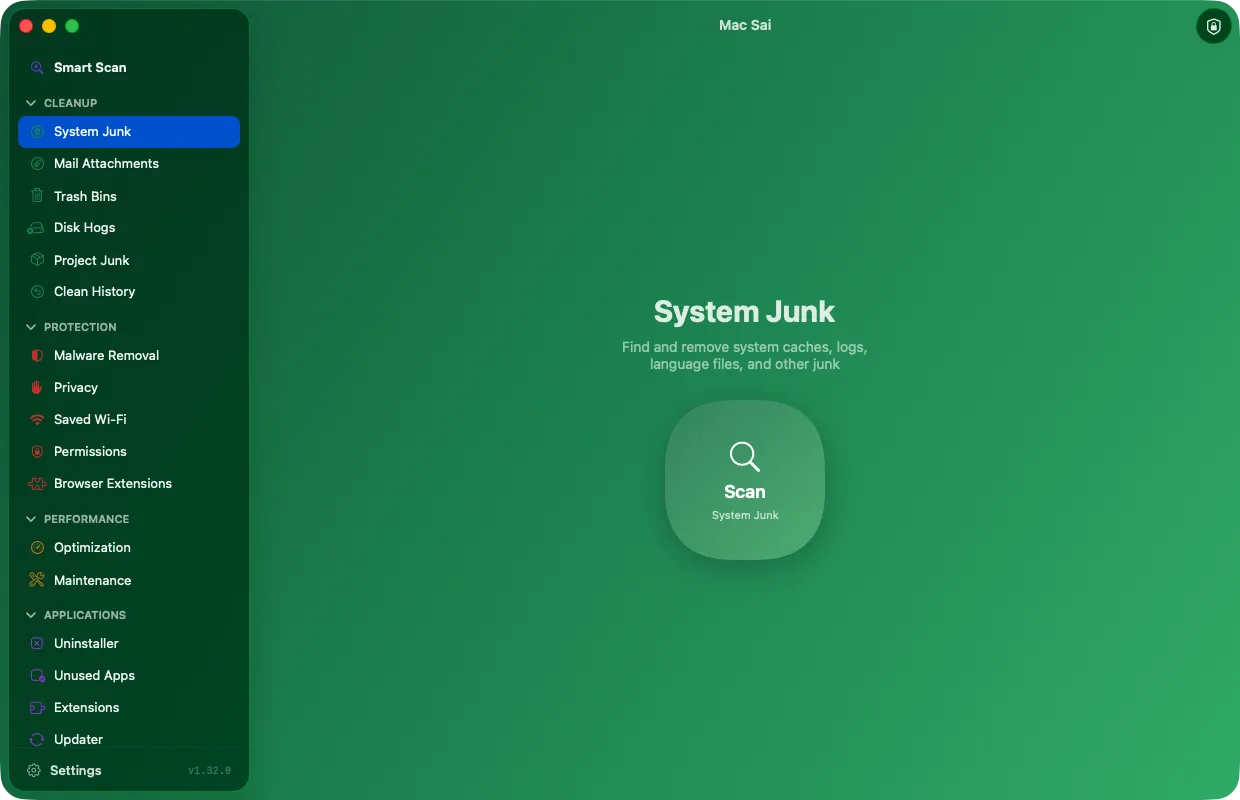
Mac Sai System Junk, ready to scan for caches, logs and language files

What System Junk looks for

Each category is listed with its size, and you can open it to see the exact files.

  • User and system caches, and log files
  • Language files for languages you don’t use
  • Broken preferences and broken login items
  • Old document versions and iOS device backups
  • Xcode leftovers and package manager, IDE and AI tool caches
  • Files left behind by deleted user accounts
  • Universal apps that carry both Apple silicon and Intel code, slimmed down to your Mac’s own architecture

One click with Smart Scan

Smart Scan runs cleanup, protection and performance checks together with live progress, then shows what each one freed. It is the quickest way to see where your space went.

Undo a clean if you change your mind

Everything goes to the Trash by default, never straight to oblivion. Clean History keeps your recent cleans for 30 days and can put a whole clean back from the Trash in one click. The history stays on your Mac and is never sent anywhere.

Mail attachments and every Trash

Mail Attachments finds cached attachments from Apple Mail, Outlook and Spark. Trash Bins empties the Trash on your Mac and on connected drives in one go.

Questions

Is it safe to delete caches on a Mac?

Caches are copies apps can rebuild, so clearing them is generally safe. Apps may feel a little slower the first time they rebuild what they need. Mac Sai skips system locations macOS protects and moves everything to the Trash first, so you can restore an item if something misbehaves.

How much space will I get back?

It depends on how you use your Mac. Smart Scan shows the exact size of each category before you clean, so you decide with real numbers in front of you.

Does Mac Sai delete anything without asking?

No. Scans only look. Nothing moves until you review the list and choose Clean, and items meant for careful review are never selected for you.

Give your Mac a fresh start

Free, signed and notarized by Apple. It opens like any other app, with no warnings and nothing to configure.

Download Mac Sai Version 1.32.0, 19 MB
Or install with Homebrew: brew install --cask mac-sai