
Uninstall apps completely, leftovers and all

Dragging an app to the Trash leaves its caches, preferences, containers and support files behind. Mac Sai finds them across 17+ Library folders and removes the app with everything that belongs to it.

Download Mac Sai, free Version 1.32.0, 19 MB. macOS 14 or later.
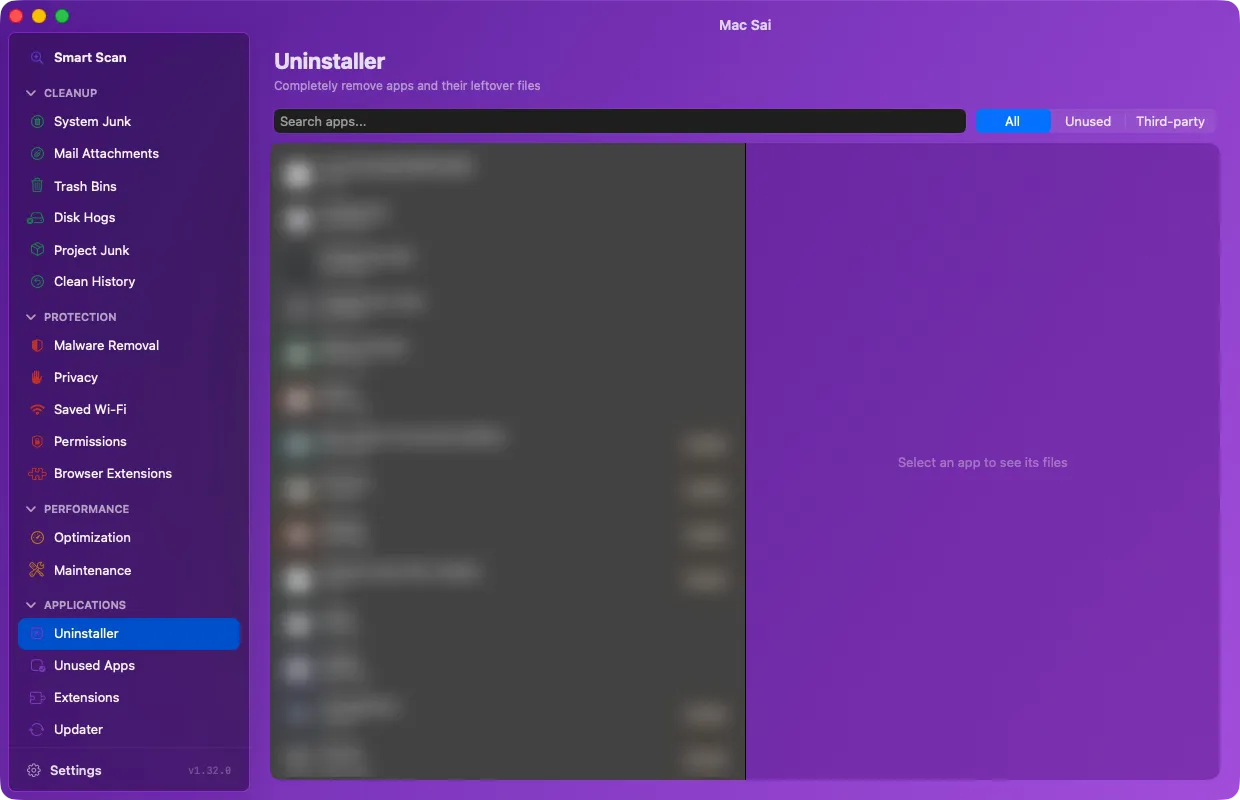
Mac Sai Uninstaller with its list of installed apps

Every file that belongs to an app

Mac Sai matches an app’s identifiers against more than 17 Library locations, including apps nested in vendor folders, and lists each file with its size before you remove anything.

Reset an app instead of removing it

Reset to Defaults clears an app’s caches and preferences but keeps the app, which fixes many misbehaving apps.

Find the apps you forgot about

Unused Apps lists apps you haven’t opened in 3, 6 or 12 months, largest first, using the last-used date Spotlight records. Running apps are never listed, and when Spotlight has no data Mac Sai says so instead of guessing.

Extensions and app updates

Review preference panes, internet plug-ins and Safari extensions. The Updater checks your other apps for new versions through their own update feeds, reading version numbers only.

Questions

Does dragging an app to the Trash uninstall it?

It removes the app itself, but caches, preferences, containers and support files stay in your Library folder. Mac Sai finds and removes those as well.

Can I uninstall Apple’s built-in apps?

No. Apple’s system apps are on Mac Sai’s protected list, because macOS relies on them.

Give your Mac a fresh start

Free, signed and notarized by Apple. It opens like any other app, with no warnings and nothing to configure.

Download Mac Sai Version 1.32.0, 19 MB
Or install with Homebrew: brew install --cask mac-sai