
Clear what your browsers and apps keep about you

Clear browsing traces in one place, see which apps can use your camera, microphone and files, and tidy the extensions and networks your Mac has collected over the years.

Download Mac Sai, free Version 1.32.0, 19 MB. macOS 14 or later.
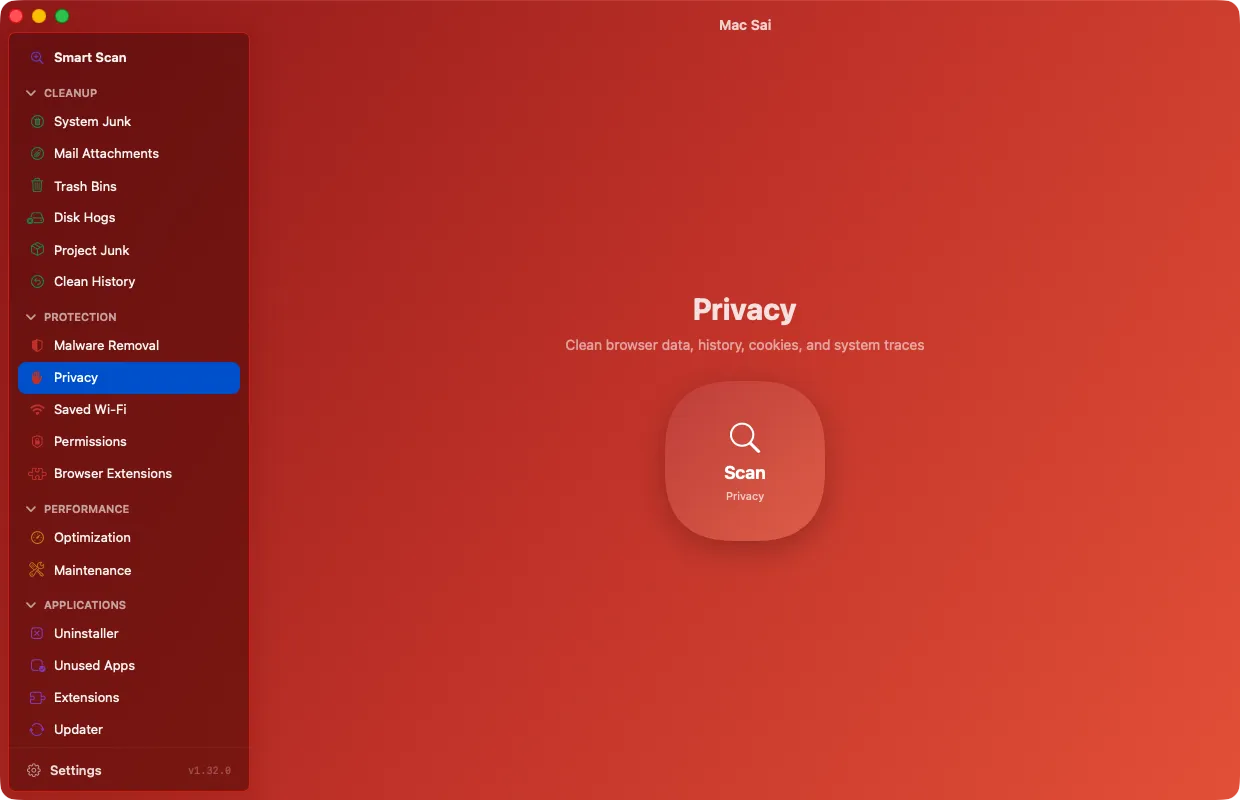
Mac Sai Privacy, ready to clear browser data, history and cookies

Browser history, cookies and cache

Clear Safari, Chrome and Firefox history, cookies and cache, with time filters for today, the last week, month or year, or everything. Safari bookmarks are never touched.

Browser extensions in one list

See the extensions installed in Safari, Chrome, Brave, Edge, Arc and Firefox together. Extensions you installed yourself can go to the Trash while that browser is closed. Ones installed by policy or by the browser itself are shown and left alone.

App permissions, app by app

A read-only view of which privacy permissions each app holds, from the camera and microphone to your files and screen. Every action opens the right page in System Settings, which owns the switches.

Saved Wi-Fi networks

See every network your Mac remembers and forget the ones you no longer use.

Questions

Will clearing cookies log me out?

Yes, clearing cookies signs you out of websites. Use the time filters to clear only recent data if you want to stay signed in elsewhere.

Can Mac Sai change app permissions?

It shows them and takes you straight to the right page in System Settings. macOS keeps those switches in System Settings, and Mac Sai respects that.

Give your Mac a fresh start

Free, signed and notarized by Apple. It opens like any other app, with no warnings and nothing to configure.

Download Mac Sai Version 1.32.0, 19 MB
Or install with Homebrew: brew install --cask mac-sai