
See what is filling your disk, then decide

Space Lens draws your disk as a map you can click into, so the biggest folders stand out at once. Then find large old files and duplicates, and reclaim space without losing anything you need.

Download Mac Sai, free Version 1.32.0, 19 MB. macOS 14 or later.
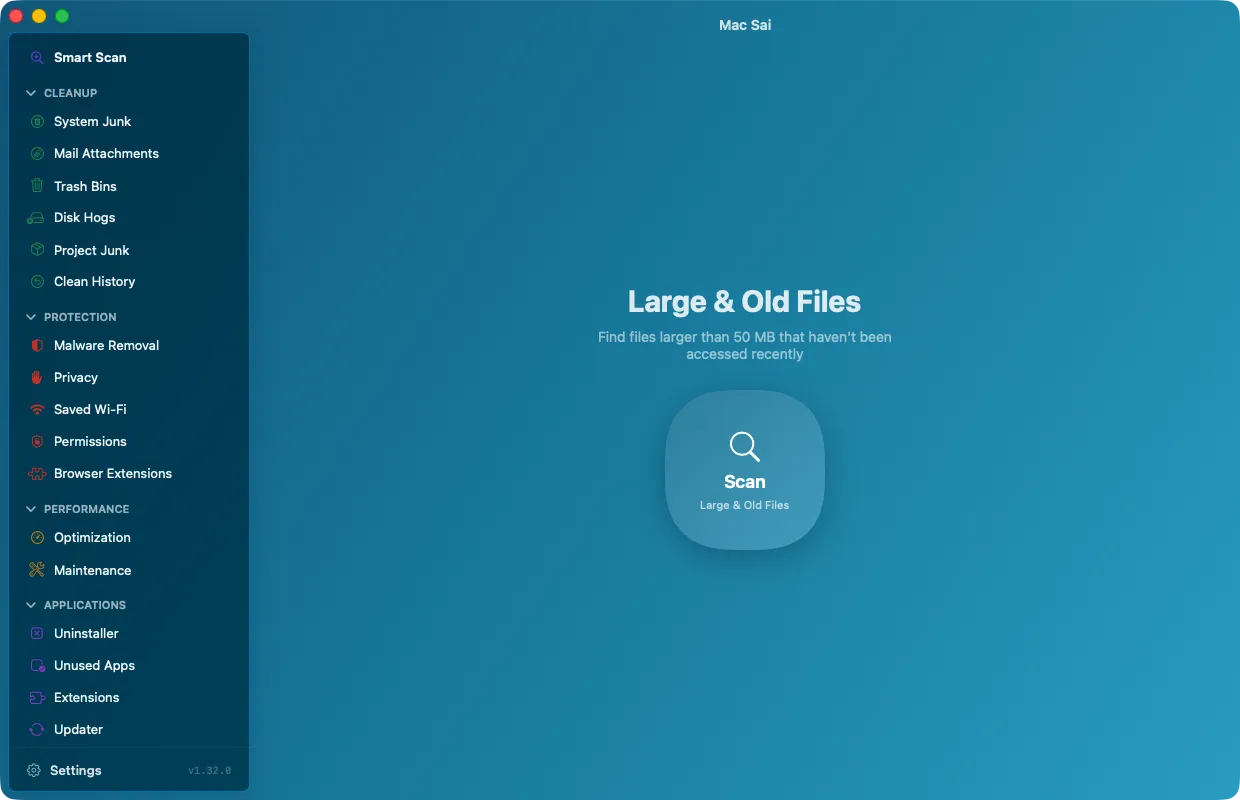
Mac Sai Large & Old Files, ready to find files over 50 MB

Space Lens

Every folder is a block sized by what it holds. Click into any block to go deeper. Files that share storage through hard links are counted once, so the sizes match what you would actually get back.

Large & Old Files

Files over 50 MB, sorted by size and by when you last opened them, so forgotten downloads and old videos surface first.

Duplicates, with a way to keep every copy

Mac Sai compares sizes, then partial and full SHA-256 hashes, and checks that copies are truly separate files. Consolidate reclaims the space with APFS copy-on-write clones, so every copy stays where it is.

Shredder

Erase files you want gone for good, with standard, permanent and overwrite modes.

Questions

Why is "System Data" so large on my Mac?

System Data in macOS Settings includes caches, logs, local Time Machine snapshots, developer files and more. Smart Scan, System Junk and Space Lens show what those actually are, with sizes.

What does Consolidate do to duplicates?

It replaces identical copies with APFS clones that share storage. Every file stays in place and opens as before, but the space is counted once.

Give your Mac a fresh start

Free, signed and notarized by Apple. It opens like any other app, with no warnings and nothing to configure.

Download Mac Sai Version 1.32.0, 19 MB
Or install with Homebrew: brew install --cask mac-sai